Blueprints
One markdown file per part of what you make, checked against a framework you declare.
- Typed properties and a permanent id on every file
- Collections, templates, and properties you choose
- A health check in the app and in a terminal

Features
A canvas, a backlog, a decision log, comments, git, and your own AI agent, built around one idea: every part of what you make is a plain file, shaped by a framework you choose, and every plugin points at those files.
Free for macOS, Windows, and Linux. No account, no subscription.
app downloadsnpm downloads last week
The model
The core
One markdown file per part of what you make, checked against a framework you declare.

The plugins
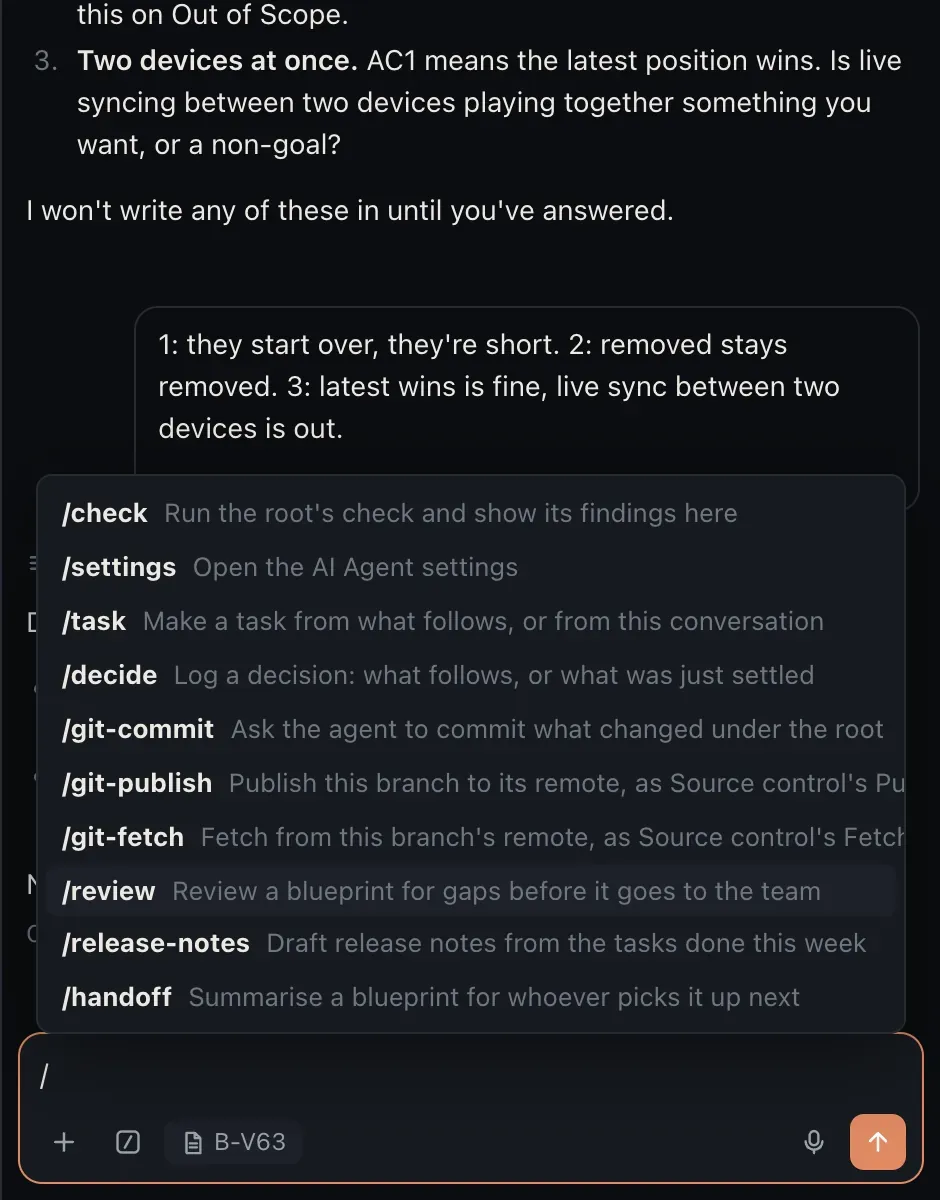
The agent you already run, beside every page, with the page as context and your team’s own slash commands.

A board where every task is a markdown file, pointing at the blueprint it serves.

A whiteboard whose nodes are your blueprints, drawn live from their files.

A decision log where every call waits for a named person to confirm it.

Threads anchored to a section, with reactions, written into the file.
Explore CommentsFile history, diffs, commit, and publish, without a terminal.
Explore GitImages and PDFs linked to the blueprints they belong to.
Explore AssetsOne markdown style for the whole root, applied on every save.
Explore LinterYour own shell in the panel, started in the root.
Explore TerminalOnly what you need
Switching a plugin off leaves your files exactly as they were. A new root starts with the AI Agent, Comments, Git, and the Linter on; the Backlog, the Canvas, Decisions, Assets, and the Terminal are one switch away under Core plugins.

Works with what you use
Why it is different
Other apps have a canvas, a board, or an agent panel, and a few have all three. What Eidos adds is underneath: every unit is a markdown file checked against a framework you declare, served by a backlog and a decision log a person confirms, with frameworks you can share through a Registry, in one free, local app.
Eidos for…
Each one starts from your problem, shows the framework to install, and the plugins that matter most for your work.
Download Eidos MD, open a folder, and start from the framework closest to your work. Everything it gives you can be reshaped later.
Free for macOS, Windows, and Linux. Your files stay plain text in a folder you own.